
Hi there! I'm Todd Hayes, head honcho at Hayes Digital Marketing. I love helping small businesses grow using my decades of experience in the internet world... and I hate talking about myself in the 3rd person.
Facebook Page Not Showing Up in Google Search? How to Fix It and Still Stop Spam
Todd Hayes • October 31, 2026

TL;DR: If your Facebook page has country or age restrictions turned on, Facebook hides it from anyone who isn’t logged in. That includes Google and AI search tools, so your page and posts can’t show up in search.
The fix: remove those restrictions, then keep spam down a better way, by turning off guest chat and letting Meta’s spam folder do the work.
Below you’ll find the exact clicks for each step, plus a 30-second test to see your page the way Google does.
You post on your Facebook page. You keep it updated. You answer your messages.
So why can't you find it when you search Google?
If you ever blocked other countries to stop spam messages, that one setting is probably the reason. And it may be hiding you from AI search too.
Why Your Facebook Page Isn't Showing Up in Google Search
Back in 2024, I wrote a popular guide on how to stop Facebook spam messages. The fix was simple: restrict your page so it only shows in the United States, or the US and Canada.
It worked. On the 40+ business pages I set it up on, the junk messages dropped off almost overnight.
But there's a side effect most people never notice...
When your page has country restrictions, Facebook hides it from anyone who isn't logged in.
Google isn't logged in. Neither are most AI search tools.
So to them, your page basically doesn't exist. Not the page. Not your posts. Nothing.
Age restrictions do the same thing, so it's worth checking those too.
Why This Matters More Now Than It Did in 2024
A lot has changed since I wrote that first guide.
People now ask ChatGPT, Google's AI answers and other AI tools which business to call. Those tools pull from what's public on the web... your Google Business Profile, your website, and yes, your social pages.
And Facebook posts can show up in Google. I've seen posts from pages with fewer than 10 followers sitting right there in the search results.
That's free visibility. It's not worth giving up just to dodge a few annoying messages.
That's why I no longer recommend country restrictions for my clients. Showing up everywhere your customers search is a big part of getting found locally.
How to Make Your Facebook Page Visible in Google Again
Do this on a computer. It's a lot easier than the phone app.
Facebook likes to move its menus around, so the Settings search box is your best friend here.
- Switch into your business page. Click your profile picture in the top right corner, then click your page's name.
- Open Settings. Click your profile picture again, then click Settings & privacy , then Settings .
- Find Country restrictions. Type "country" in the search box at the top left of the Settings page. Click Country restrictions when it shows up.
- Remove the restriction. Clear out any countries listed so your page is visible everywhere, then click Save .
- Check Age restrictions too. Type "age" in the same search box and open Age restrictions . Make sure it's set to anyone 13 and up, then click Save .
How to Stop Facebook Spam Messages Without Hiding Your Page
Here's the good news. You don't need country restrictions to keep the junk down anymore.
1. Turn off guest chat. A lot of spam comes from "Guest" accounts with no real Facebook profile behind them. In Meta Business Suite, open your Inbox , click the settings gear, and look for your chat plugin settings. Turn guest chat off.
2. Let the spam folder do its job. Meta Business Suite already sorts a lot of junk into the Spam tab in your Inbox. When something slips through, move it to Spam or block the sender. That trains the filter over time.
3. Use a link button instead of Send Message. Set your page's main button to something like Contact Us or Call Now that points to your website. Real customers still reach you, and you hand spammers one less easy door.
4. Never click links in "Important Notification" messages. Meta doesn't contact you through Messenger about page violations. Those are scams, every single time.
Scammers pull the same trick by email, by the way. Here's how to tell if your business email is being spoofed.
Test It: See Your Page the Way Google Does
Open a private or incognito window in your browser. Don't log in to Facebook.
Now go to your page's web address.
If you can see your page and your posts, so can Google.
If you get a "This content isn't available" message, something is still restricted. Go back through the steps above.
Then give Google a little time. Your page and new posts won't show up in search overnight.
Want to see how your whole business shows up online?
Your Facebook page is just one piece of the puzzle. Your Google Business Profile, your reviews, and how you rank on the map all play a part in whether customers find you or the business down the road.
Run a free business visibility audit and see where your business stands on the map in your own town, and what to fix first.
It only takes a minute, and there’s no sales call required.
Still Want to Block Countries?
That's okay. If you truly don't care about showing up in Google or AI search, country restrictions still do a great job of cutting down spam.
You'll find the step-by-step instructions in my original guide: How to stop Facebook spam messages (in under 60 seconds).
Just know what you're trading.
Is the Rest of Your Business Ready for AI Search?
Your Facebook page is only one piece. Your website matters even more.
If you're curious how your site stacks up, here's how I audit websites for AI search visibility.
And if you have questions or want a hand with any of this, send me a message here. Just please... don't spam me. 😉

Send this article to a friends. Sharing is caring!
Stay Updated! Sign up for our Newsletter.
HVAC websites and marketing made easy. HVAC Blast is now a complete local marketing system for HVAC companies in towns under 100,000. See what changed.
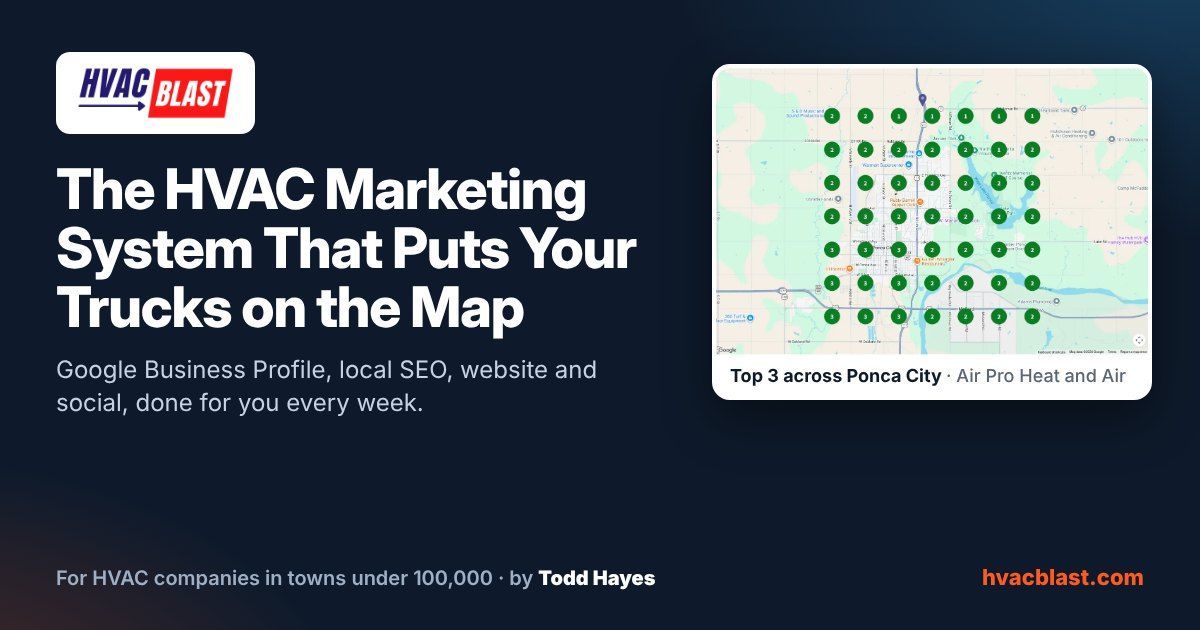
HVAC Blast: Google profile, local SEO, website, social and reports for HVAC companies in towns under 100,000. $497/mo, no contracts.
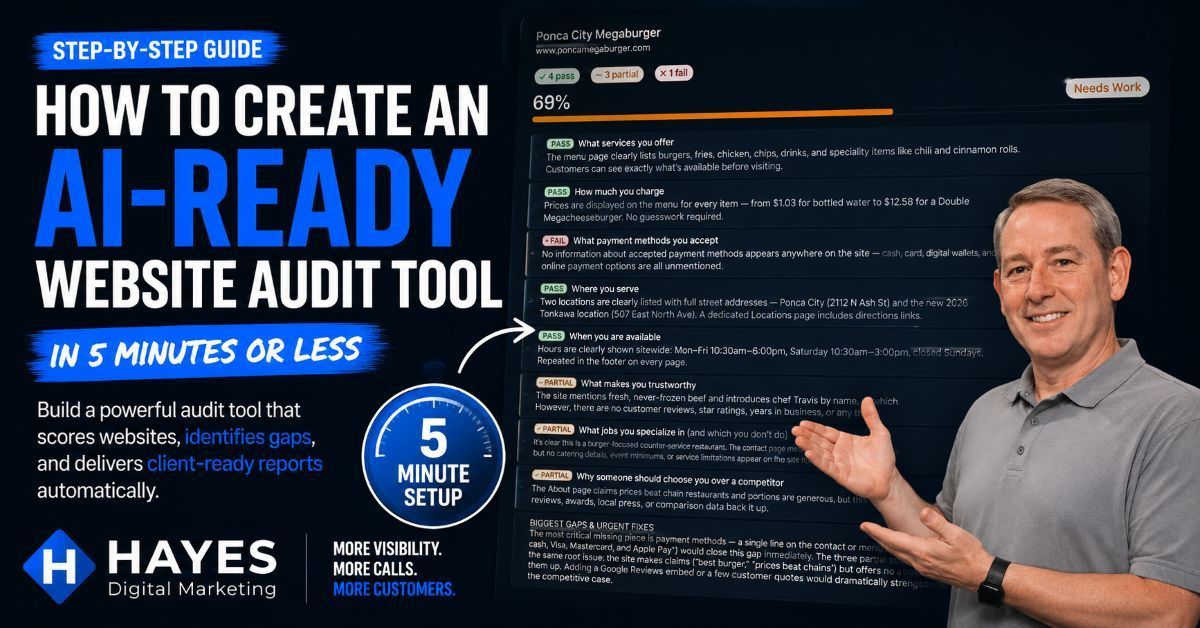
Learn how to build a Claude AI website audit tool in minutes. Score websites, identify AI search gaps, find trust issues, and generate client-ready reports.
Not getting clicks from your bounce house Google Ads? Discover the #1 reason campaigns fail and how to fix it to get more bookings.

Discover The Go Cowley Project, a local directory built to help people find businesses, events, and organizations across Cowley County, Kansas. Join in!

Why NAP consistency is a crucial factor in local SEO success. No, not napping like "Buddy" on the office couch, N.A.P. Name, Address, Phone Number.
Want more bounce house and event bookings? Discover how Google Ads can deliver instant leads and long-term growth - plus one hidden advantage most miss.

Is Your Business Email Being Spoofed? Let's Find Out.

Quick and Comprehensive Google Business Profile Guide. Increase search engine visibility, reputation management, improve credibility, and better insights.
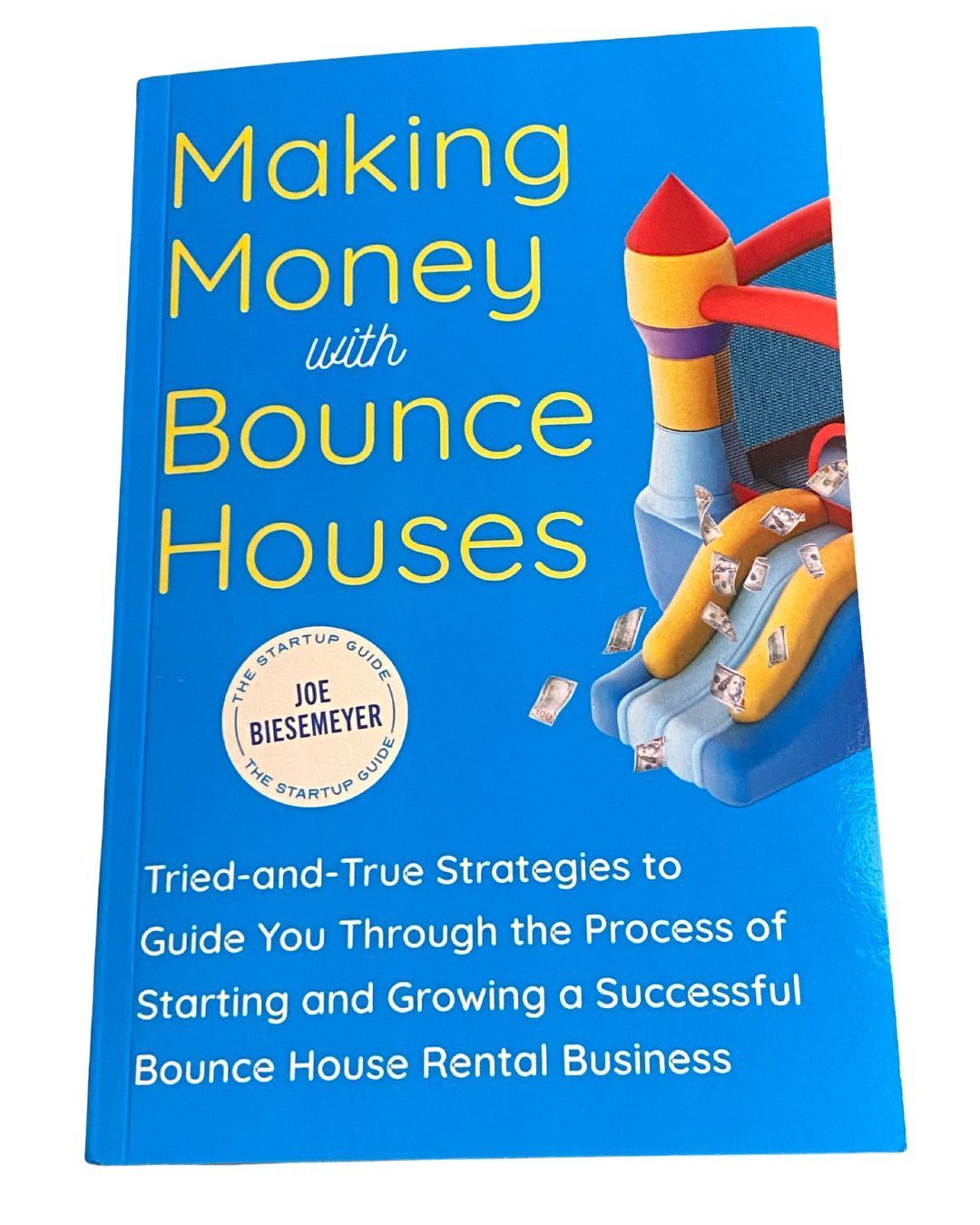
A Great NEW "How to start a bounce house business book" has hit the shelves!